Connecting to your Room
WiFi
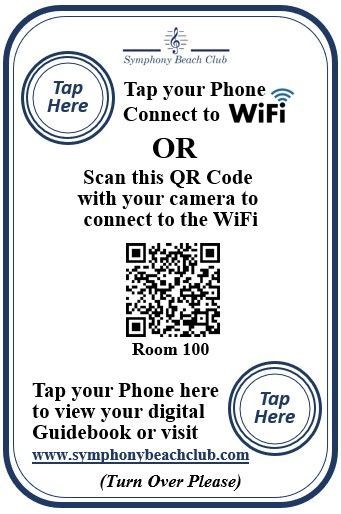
Locate the Placard in your room labeled "WiFi" Touch your phone near the button labeled "Tap Here". Follow the prompts on your phone to automatically connect to your room Wifi.
This action will also provide you the network name and password so that you can connect your laptop or other devices.
If your phone does not support "Tap" Capabilities, scan the QR Code on the placard and follow the prompts to connect. Once connected, you may also look in your phone settings to see the network name and password.